

Payment Methods
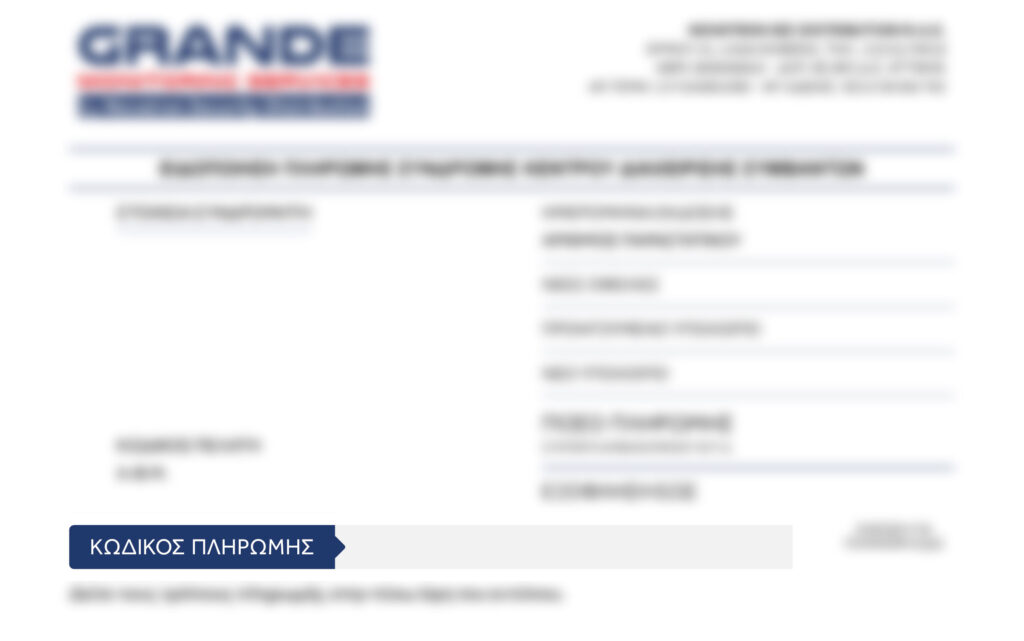
You will find the RF payment code required to settle your subscription on the first page of your payment notice.
You can follow the step-by-step instructions through your bank’s e-banking platform:
- Alpha Bank: Payments > Payment Categories > Other Companies > Search for “Novatron Sec” and select “NOVATRON SEC DISTRIBUTION MON. AE” from the results > Bank Payment Code > Enter the RF code.
- Eurobank: Payment or Top-up > In the “Search” field, type “Novatron Sec” and select “NOVATRON SEC DISTRIBUTION MON. AE” from the results > Payment Order Code > Enter the RF code.
- National Bank of Greece: Transaction > New Payment > In the RF code field > Type or scan the code.
- Piraeus Bank: Transaction > Single Payment Transaction > Enter the code.
You can also use the same payment code to pay in person at any Hellenic Post (ELTA) branch.